
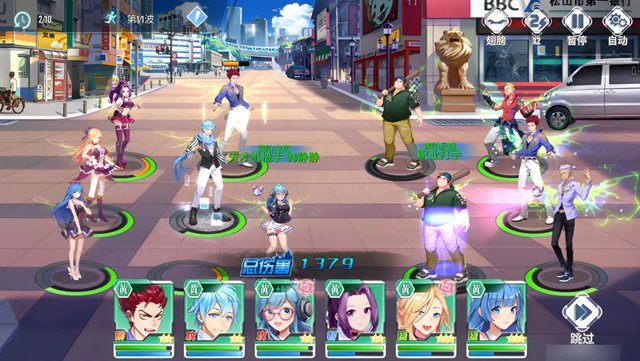
MuMu Player: Play Android Mobile Games on a Big PC Screen
MuMu Player by NetEase lets you play Android mobile games on your PC in high quality and high frame rate. Any device, instant play, with full-platform support, smart controls and free multi-instance. Official download at mumuemulator.com.
Official downloadLatest V5.31

All platforms
Windows7/10/11
macOSIntel & Apple
Windows on ARMSurface
Mac laptopsM1/M2/M3
MuMu MobileiOS / Android
Why MuMu Player
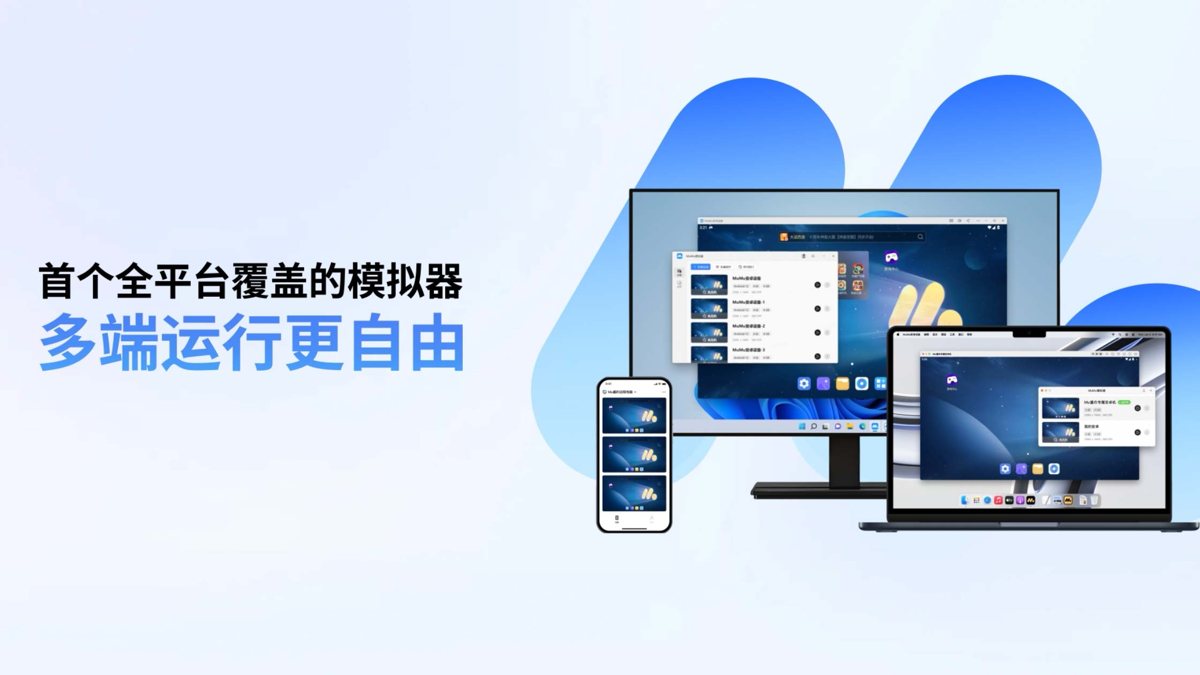
All platforms
Full support for Windows, macOS and Windows on ARM, plus MuMu Mobile remote streaming for synced play across devices.
- Windows / macOS / ARM covered
- Phone remote control of the PC
- Install once, sync across devices
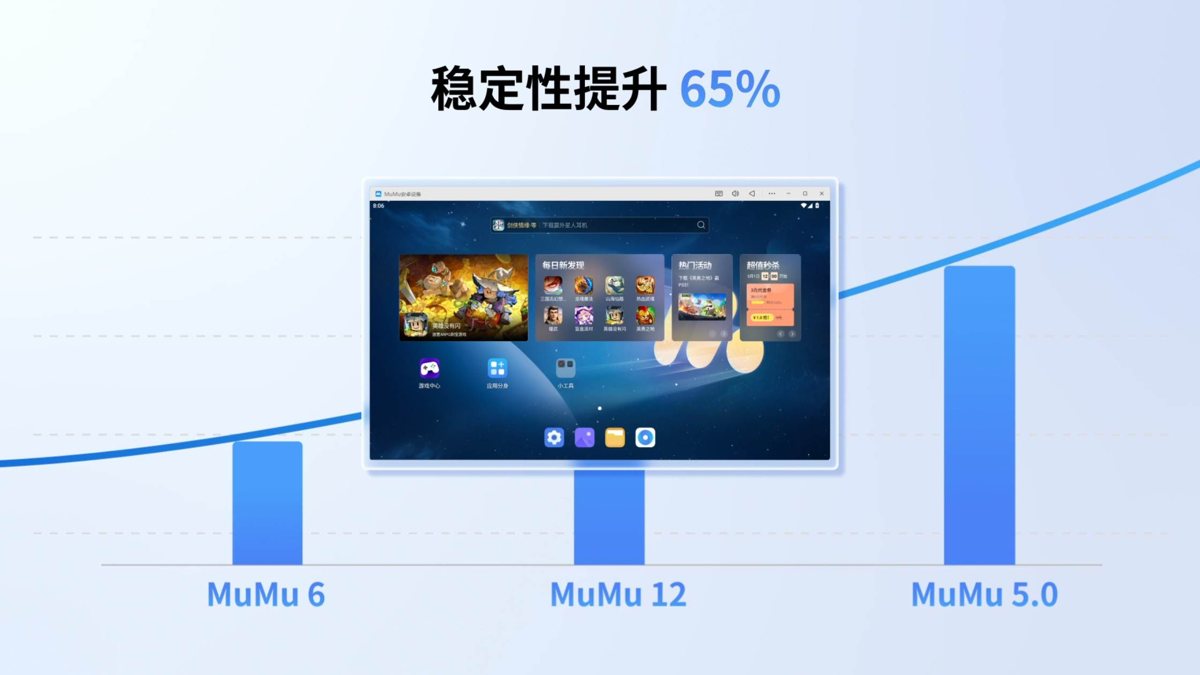
Top performance
A self-developed kernel deeply optimized for lower CPU and RAM use and smoother running, so even modest PCs play popular games stably.
- Low usage, high smoothness
- Stable even on modest machines
- Fast to start and load
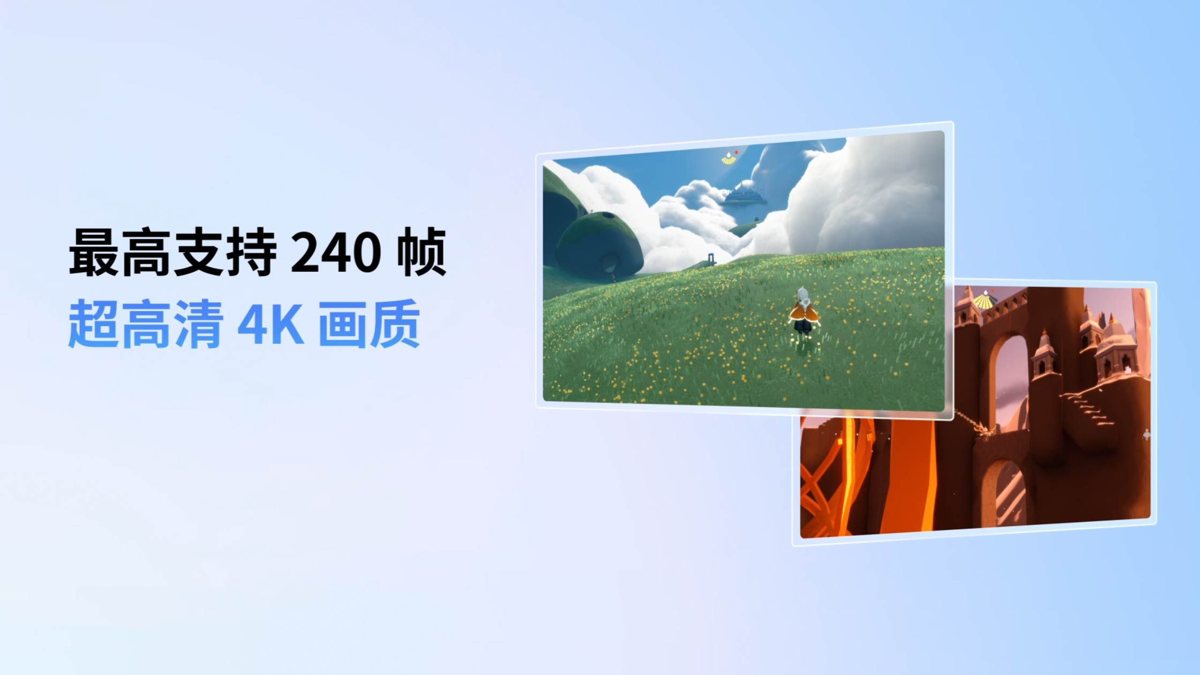
High resolution and frame rate
Supports high resolution and high frame rate output for crisp visuals and responsive controls, far beyond a small phone screen.
- High-resolution visuals
- Higher frame rate, more responsive
- A wider big-screen view
Smart controls
Key mapping, controller support and smart assists bring complex mobile controls to your keyboard and mouse, with one-tap combos.
- Key mapping for mobile games
- Plug-and-play controllers
- Smart assists for efficiency
Free multi-instance
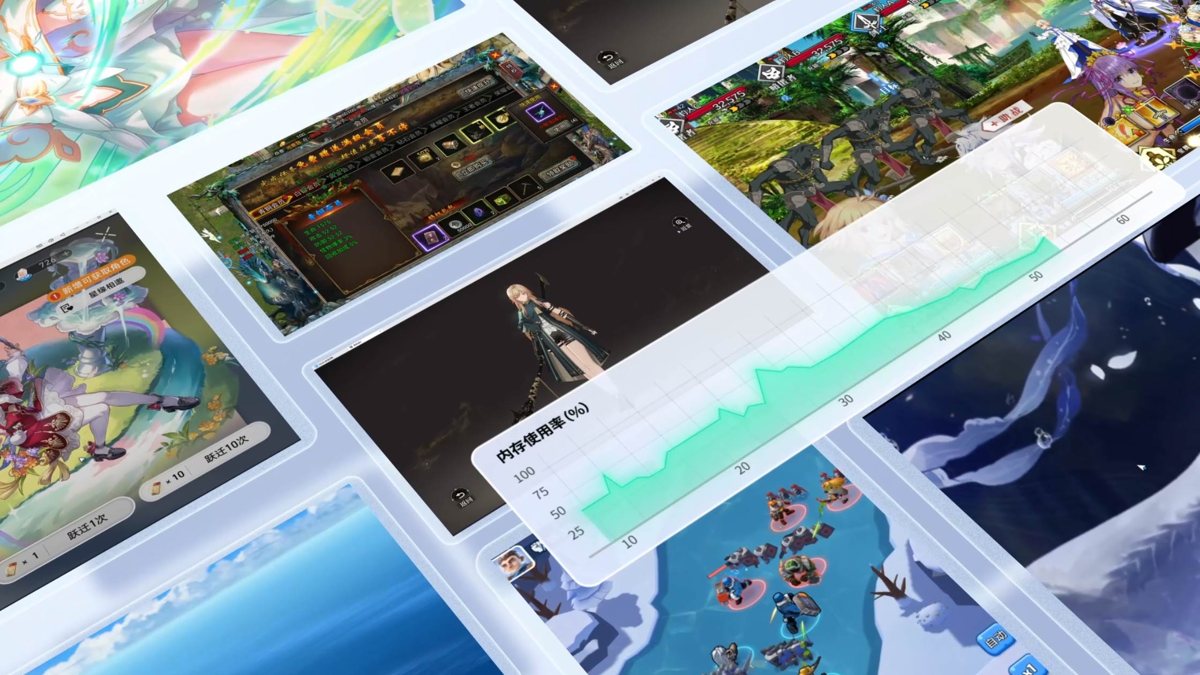
The multi-instance manager and sync tool easily handle several Android windows, doubling efficiency for farming and account management.
- Manage multiple accounts
- Sync tool, one controls many
- More efficient farming
MuMu
Perfectly tuned for mainstream systems
MuMu Player is deeply optimized for both Windows and macOS, tuning rendering and kernel for different hardware so it runs smoothly out of the box on the big screen.
- One-click install, ready to use
- In-house kernel, low usage
- High resolution and frame rate
Play popular games
 Teamfight Tactics
 Naruto
 Fantasy Westward Journey
 Arknights












What is the official MuMu Player download site
The official download site is mumuemulator.com (by NetEase) - ad-free, with a built-in game center, and fine for overseas users too. Typing the official domain by hand is the safest first step. Many third-party sites (domains like c.com.cn or app.com.cn) bundle extra software or ship fake builds, so always get it from mumuemulator.com.
Is MuMu Player free
Yes, it is free. The Windows/PC version (including the international site mumuemulator.com) is completely free to download and use, with no subscription fee and no paywalled features. Only the Mac version (MuMu Pro) is paid - that is a separate product line from the Windows version.
Is MuMu Player made by NetEase officially
Yes. MuMu Player is developed and published by NetEase, as independent sources such as Wikipedia also confirm. The official site is mumuemulator.com. In 2024 NetEase also released MuMu Player Pro for macOS, among the first to support Apple M-series chips. Download from the official domain to get the genuine version.
How do I turn on the MuMu Player sync feature to control multiple windows at once
The sync feature mirrors your actions in the main window to the other windows, so one keyboard and mouse controls several instances - handy for multi-account idling or farming. Find the sync toggle in the multi-instance manager or main UI, set the master window, then tick the windows to sync. Exact labels vary by client version.
Can I install the Google Play Store on MuMu Player
Yes, but not out of the box. The international build ships a game center rather than working Google services. Use the in-app game center or the built-in Google Installer to add the Google trio in order (Play Services Framework, Google Play Services, Google Play Store), then fully restart. You also need a network that can reach Google directly, or a proxy/VPN if it cannot.
Does MuMu Player work normally overseas
Yes. Overseas users should use the international site mumuemulator.com - ad-free, built-in game center, multilingual, covering 200+ countries and regions. The Windows/PC client is free abroad. Enable VT virtualization and install to a non-system drive with an English-only path; to play global titles or use Google Play, set up the Google apps and a network that reaches Google.
Do I need to register an account to use MuMu Player
No registration needed. Install the Windows version and you can use it and play games straight away - the emulator itself is free. A MuMu account is created automatically the first time you log in with a phone number and SMS code; whether you need it depends on the specific game, and most games play fine without it.
MuMu Player says I must enable VT virtualization for multi-instance - how do I turn it on
Restart into BIOS (desktops often Del/F2, laptops F10/F12/Esc). On Intel set Intel Virtualization Technology to Enabled; on AMD set SVM Mode to Enabled, then save and reboot. If VT is on but MuMu still says it is off, it usually conflicts with Windows Hyper-V or Memory Integrity - the official help page explains how to disable those. VT is required for smooth running and multi-instance.
Compiled from mumu.163.com, mumuemulator.com, 163.com, play.google.com.
Latest
How to play on Mac: download and setup guide
Advanced multi-instance and key-mapping tips
Partners











FAQ
Below are more frequently asked questions about MuMu Player. Click any item to expand the full answer.
How do I download the latest official MuMu Player 12?
Just download the latest build from the official site mumuemulator.com - recommended for overseas users too, ad-free, with a built-in game center and multilingual support. The download page gives you the latest installer, which then fetches the Android image and runtime automatically. Avoid small third-party sites; if you must, the relatively trustworthy option is Tencent Software Center (pc.qq.com).
Is there a Mac version of MuMu Player, and where is the official Mac download?
Yes. The download page mumuemulator.com/download has MuMuPlayer for Mac - download the dmg and double-click to install. Note the Mac version only supports Apple Silicon (M1/M2/M3 and newer); Intel Macs are not compatible. It needs macOS 11+, 8GB+ RAM recommended, and about 5GB free. The Mac version is the paid Pro line with a 7-day free trial.
What is the difference between the free and paid versions of MuMu Player?
The difference is really platform, not feature tiers. The Windows/PC version is fully free with no cut-down features; the paid one is the Mac version (MuMu Pro), built for macOS and first to support Apple M-series, paid after a 7-day trial. On Windows there is no free-versus-paid split - everything is free.
What is a MuMu Player membership good for, and is it worth it?
Membership only matters for the Mac version (MuMu Pro): paying for it grants use of this macOS line (built for Apple M-series), required to keep using it after the 7-day trial. Windows users never need membership - the free version is fully featured. On a Mac, use the 7-day trial to judge compatibility before deciding.
Is MuMu Player safe? Could it contain a virus?
MuMu Player is an official NetEase product, listed on trusted channels like Tencent Software Center, and normal use will not bring viruses. The key is to download from the official domain mumuemulator.com, not small sites or forums that may bundle software or ship fakes. You can briefly disable antivirus during install to avoid false blocks, then re-enable it.
Will I get banned for playing games on MuMu Player?
Whether you get banned depends on each game policy, not on MuMu itself. MuMu is an official NetEase emulator and will not cause bans on its own, but some titles (especially competitive ones) restrict or detect emulators - that is the publisher rule. Lower the risk by downloading the genuine version, never using cheats or hacks, and following the game terms.
Do I need to log in to use MuMu Player? Is not logging in safer?
Launching and using the emulator does not require a MuMu login - you can run Android apps directly. The MuMu account is mainly for cloud sync and membership, and is created automatically via phone and SMS. Skipping login means one less piece of account data, but safety mainly comes from the download source: from mumuemulator.com it is safe either way.
How high can I set Genshin Impact graphics on MuMu Player without lag?
The graphics ceiling depends on your PC, not the emulator. Official recommended specs are a 4-core+ CPU with VT enabled, 4GB+ RAM, and a GTX950-class GPU or better. For higher settings in big titles like Genshin, go above the recommended GPU and RAM and install on an SSD. VT must be on or it will lag regardless. Start at medium and step up while watching the frame rate.
Do I need a game accelerator to use MuMu Player overseas?
It depends. Downloading, installing and basic running need no accelerator. It hinges on what you play: if your network reaches Google directly, Google Play and global games usually need none; to play China-server games, or if you cannot reach Google, you need an accelerator/proxy (a back-to-China line for CN servers, a VPN for Google).
How do I log into a Google account on MuMu Player? Does it have Google Play?
MuMu does not bundle Google services (GMS) by default, so there is no working Google Play at first. Open the in-app game center or the KK Google Helper / Google Installer and add the Google trio in order (Play Services Framework, Google Play Services, Google Play Store), then fully restart and sign in. Note: a MuMu account and an in-game Google account are two separate things.
Can I log into games on MuMu Player without registering an account?
Yes. Install the Windows version and you can use it and play right away, with no need to register a MuMu account. Whether to log in depends on the game: many support phone, WeChat, Facebook or Google login, so use the game own method. The MuMu account also needs no manual registration - it is created when you log in with phone and SMS.
How do I set up key mapping on MuMu Player? A beginner walkthrough please.
Key mapping binds the touch actions of a phone (move, skills, shooting) to your keyboard and mouse. Find the key-mapping icon in the right toolbar, enter edit mode, drag each key onto the spot it should tap, then save; shooters usually have aim/fire templates. Exit edit mode to play with keyboard and mouse. Icons and template names vary slightly by version.
Can I play games without membership on MuMu Player? Is there a speed limit?
Yes, and there is no speed limit. The Windows/PC version is fully free with no paywall; without membership it is still full-featured, and games and multi-instance are unrestricted. Membership only applies to the separate paid Mac line. The free PC version lets you play freely with no need to buy membership.